

Description
Product Overview
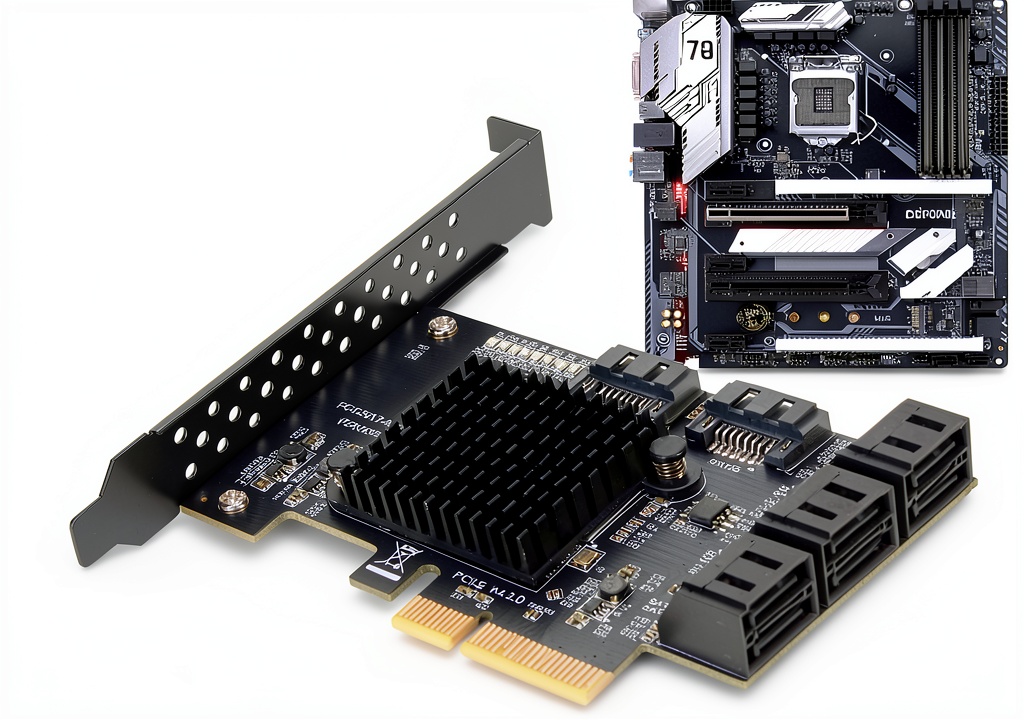
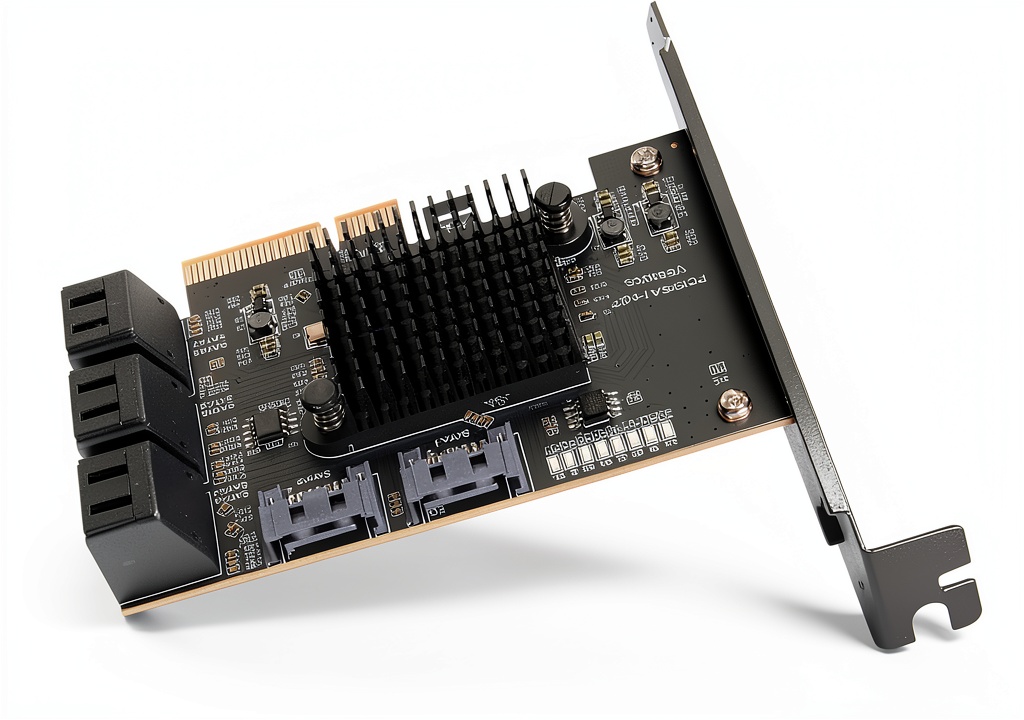
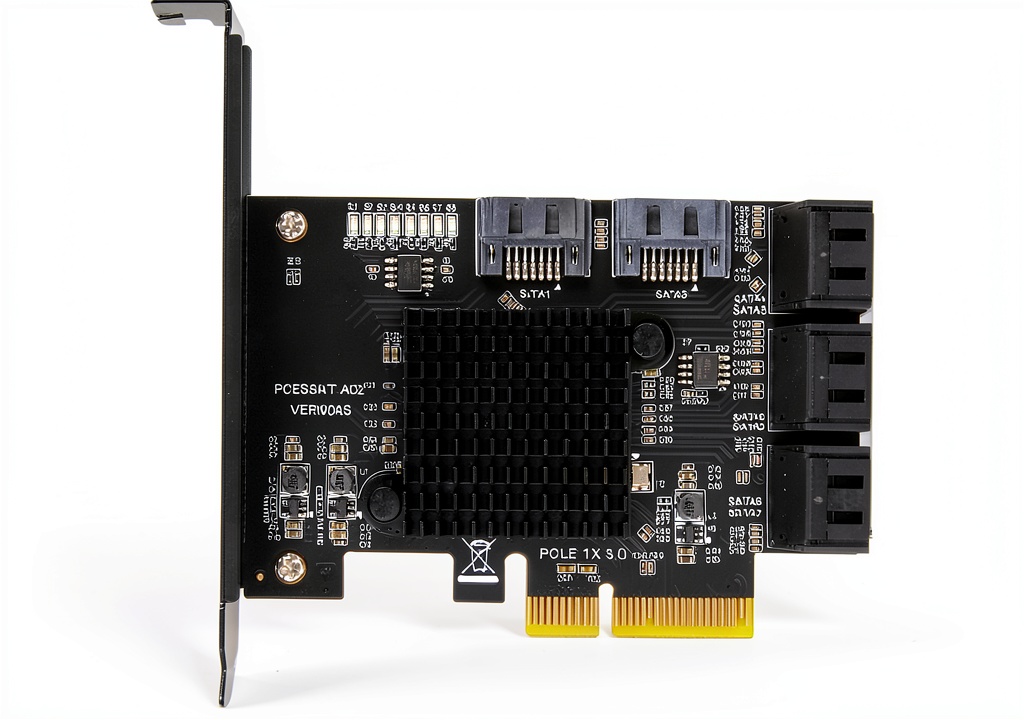
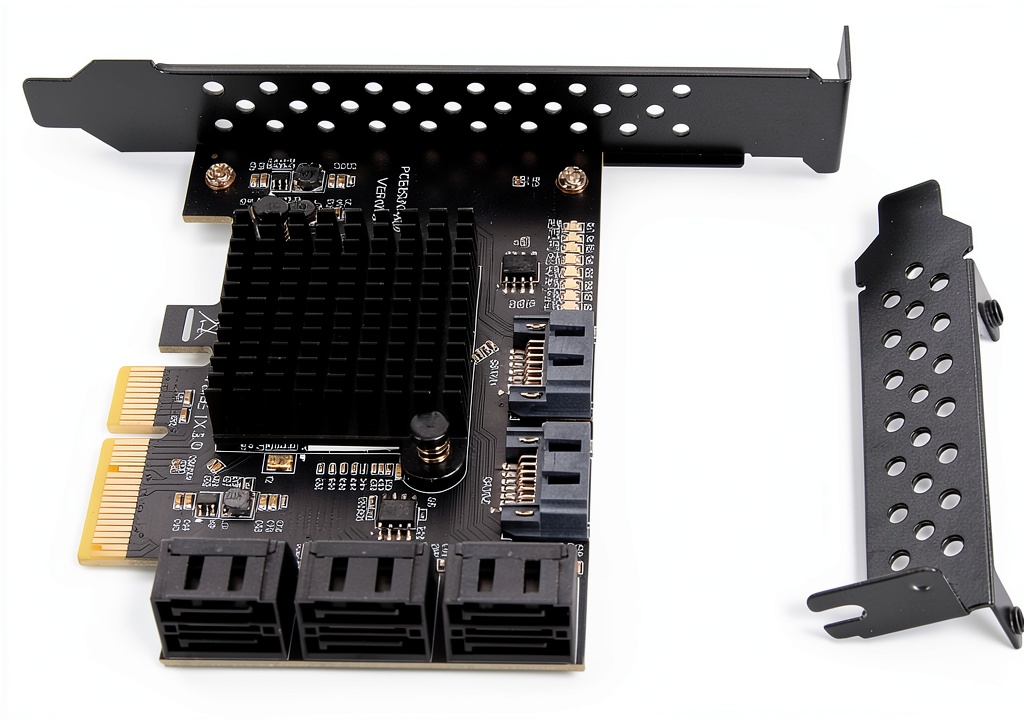
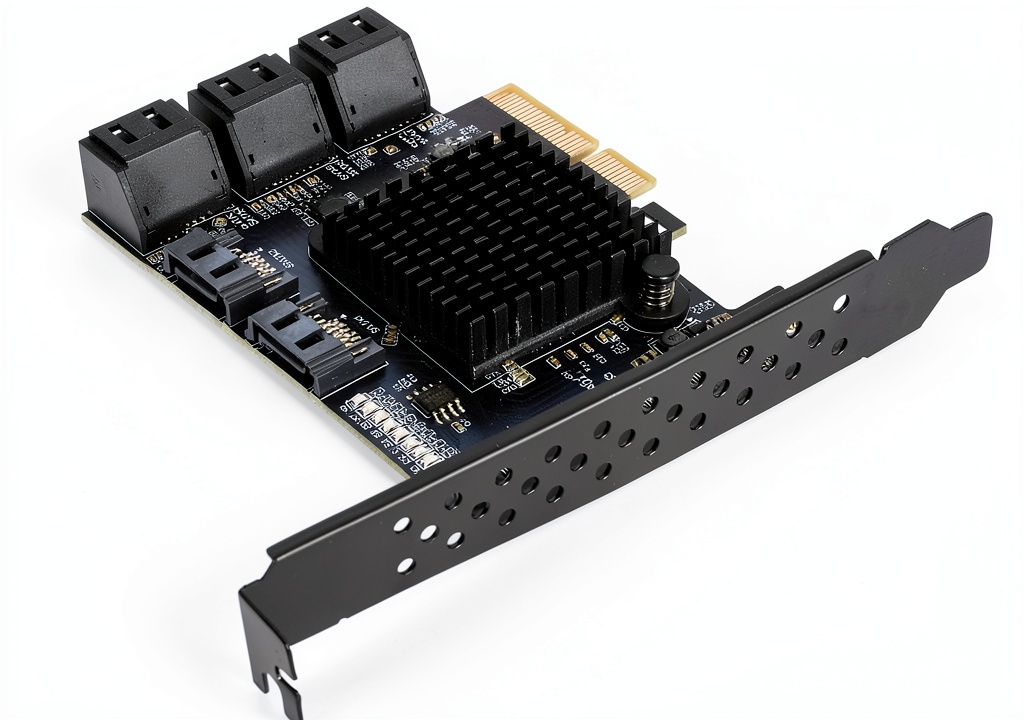
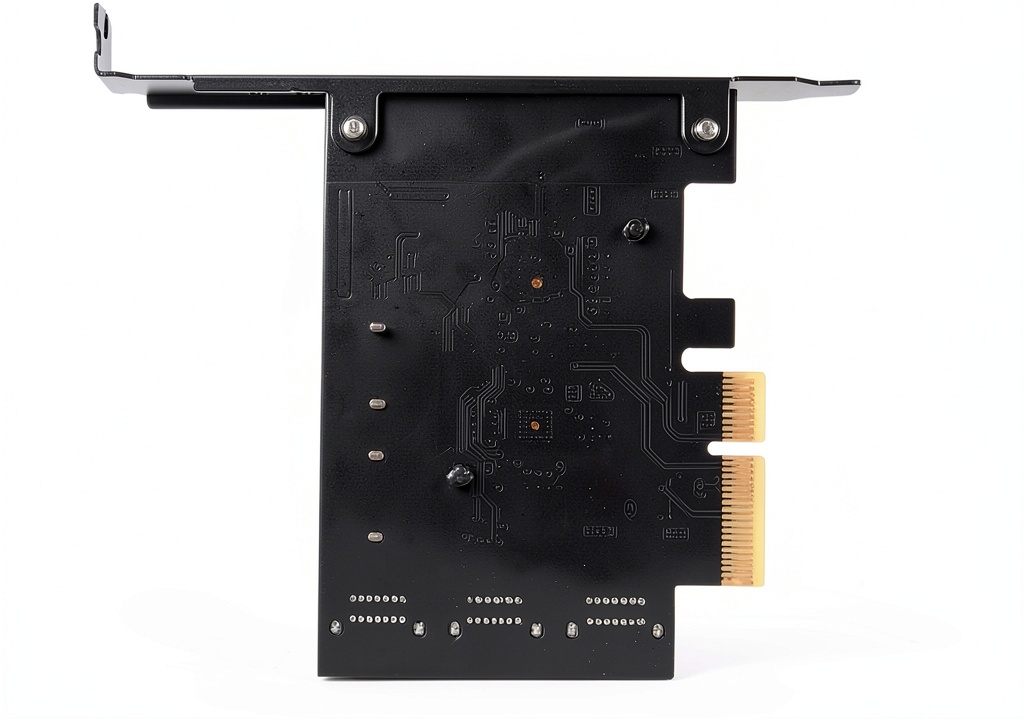
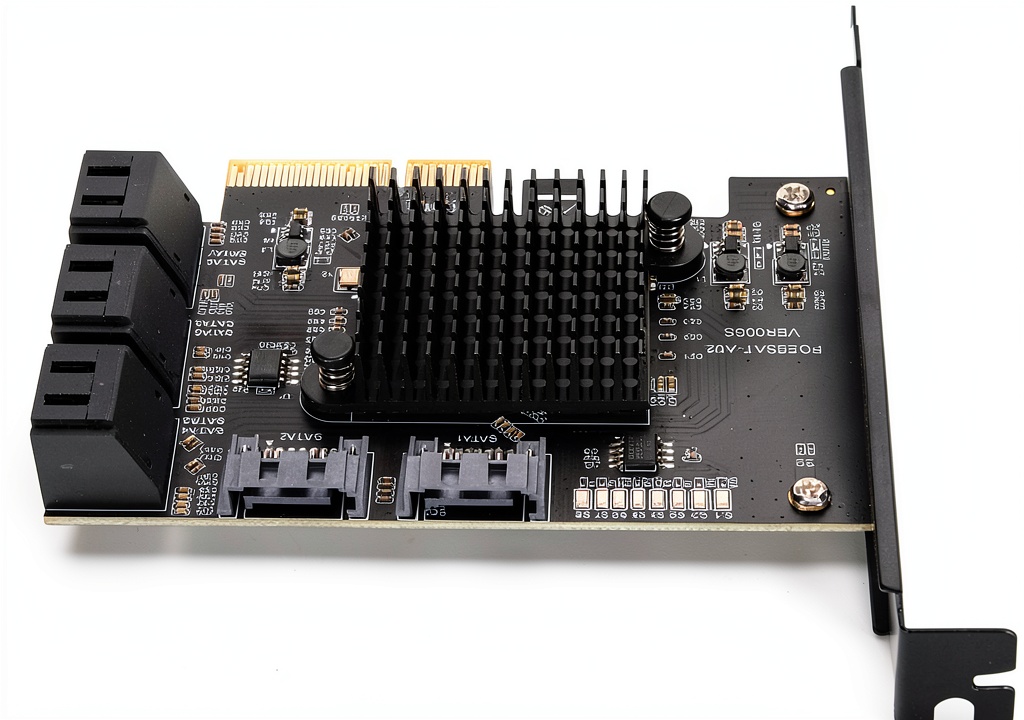
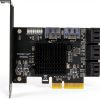
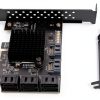
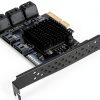
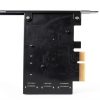
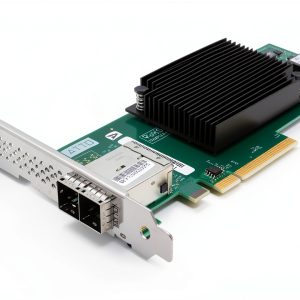
The EBTOOLS 8‑Port SATA PCIe Card delivers eight SATA III interfaces on a single PCI Express x1 slot, supporting both SSDs and mechanical drives up to 6 Gb/s. Constructed with a thick aluminum heat sink, the controller chip stays cool under heavy load, while the integrated blue LED provides instant visual feedback on drive activity. Dimensions are compact at 5.12 × 5.12 × 1.18 inches and the card weighs only 3.53 oz, making it easy to install in tight cases.
Usage
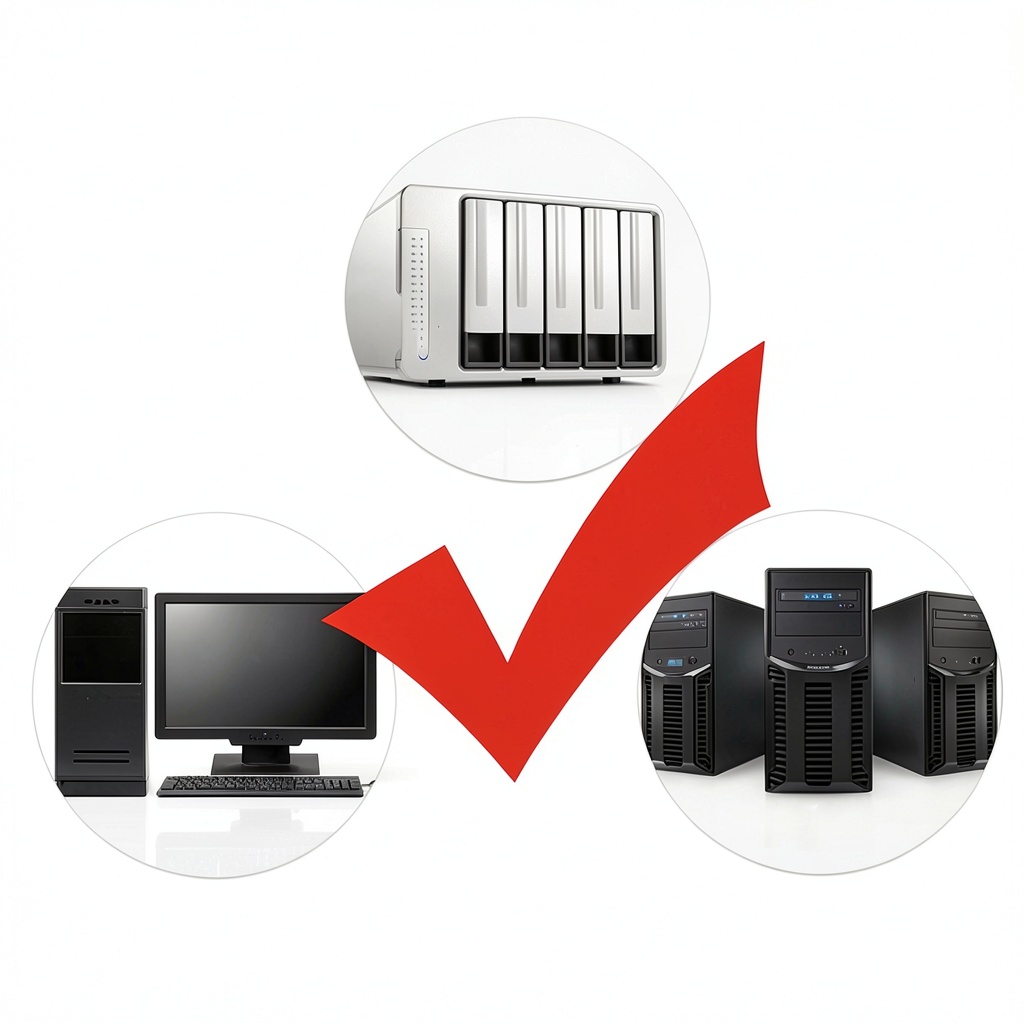
Designed for desktop workstations, small servers, and NAS environments, this card enables rapid expansion of storage capacity for data‑intensive applications such as video editing, virtualization, and backup solutions. Compatible with Windows, Linux, and most NAS firmware, it supports hot‑swap drives and can serve as a boot device for seamless system upgrades. 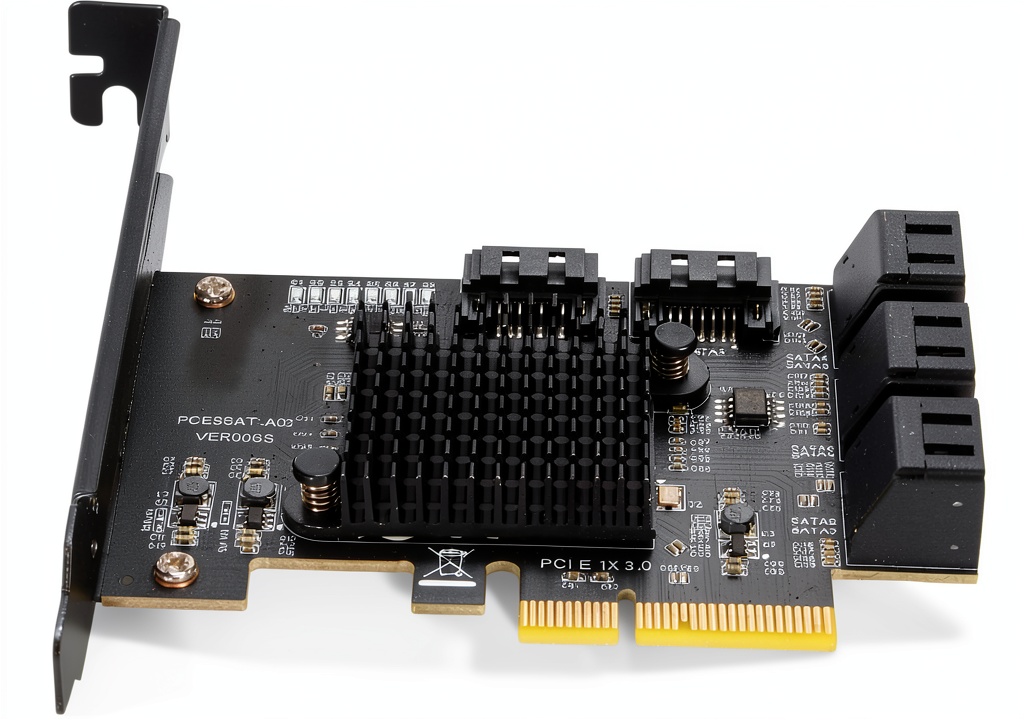
Why Choose Us
EBTOOLS combines rigorous quality testing with a focus on thermal management, ensuring long‑term stability even under continuous operation. The card’s firmware is regularly updated for optimal compatibility, and our customer support provides detailed installation guides and troubleshooting assistance. With a proven best‑seller rank in the internal SCSI port card category, you can trust its performance and reliability.
Key Features
- Eight SATA III ports for up to 8 drives, maximizing storage density.
- Heavy‑duty aluminum heat sink dissipates heat for stable performance.
- Blue LED indicator shows real‑time drive read/write activity.
- Hot‑swap capable and supports bootable drives for flexible upgrades.
- Broad OS compatibility: Windows, Linux, and NAS platforms.
FAQ
Can this card be used as a boot device?
Yes, the card supports bootable SATA drives, allowing you to install an operating system directly on any of the connected drives.
Is a separate power connector required?
The card draws power from the PCIe slot and does not need an additional power cable.
What is the maximum supported drive size?
Each port supports drives up to 16 TB, limited only by the drive’s own specifications.
Will this work with a laptop that has a PCIe x1 slot?
As long as the laptop provides a standard PCIe x1 slot and sufficient physical space, the card can be installed and function normally.
How does the LED indicator work?
The blue LED stays solid when a drive is connected and flashes during read/write operations, giving you instant visual status.





Reviews
There are no reviews yet.