
Description
Product Overview
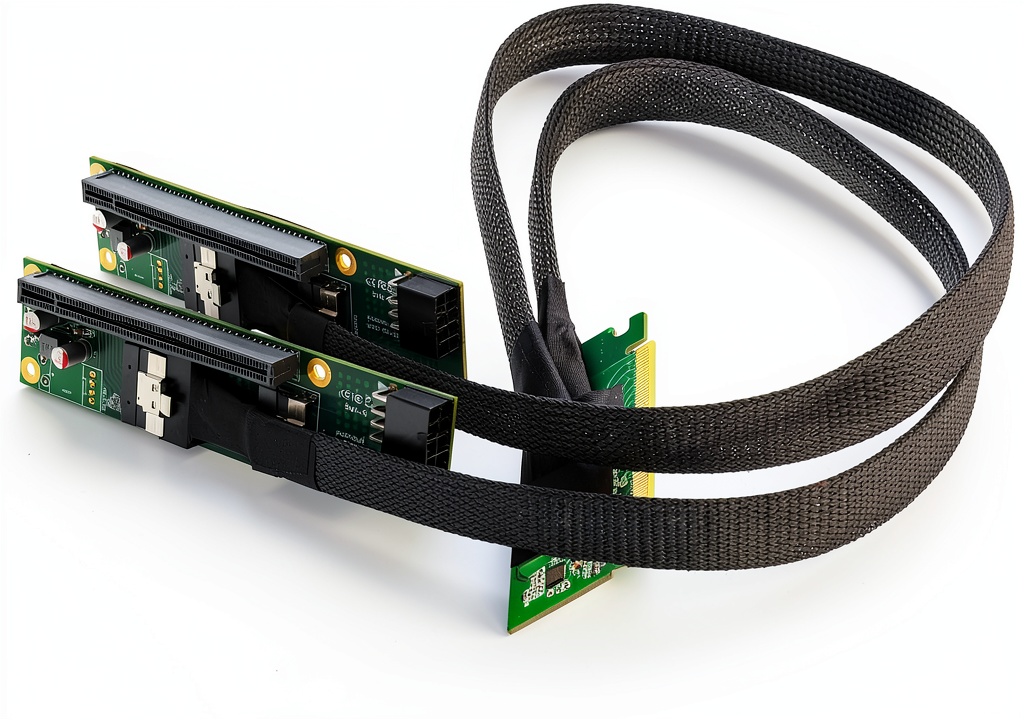
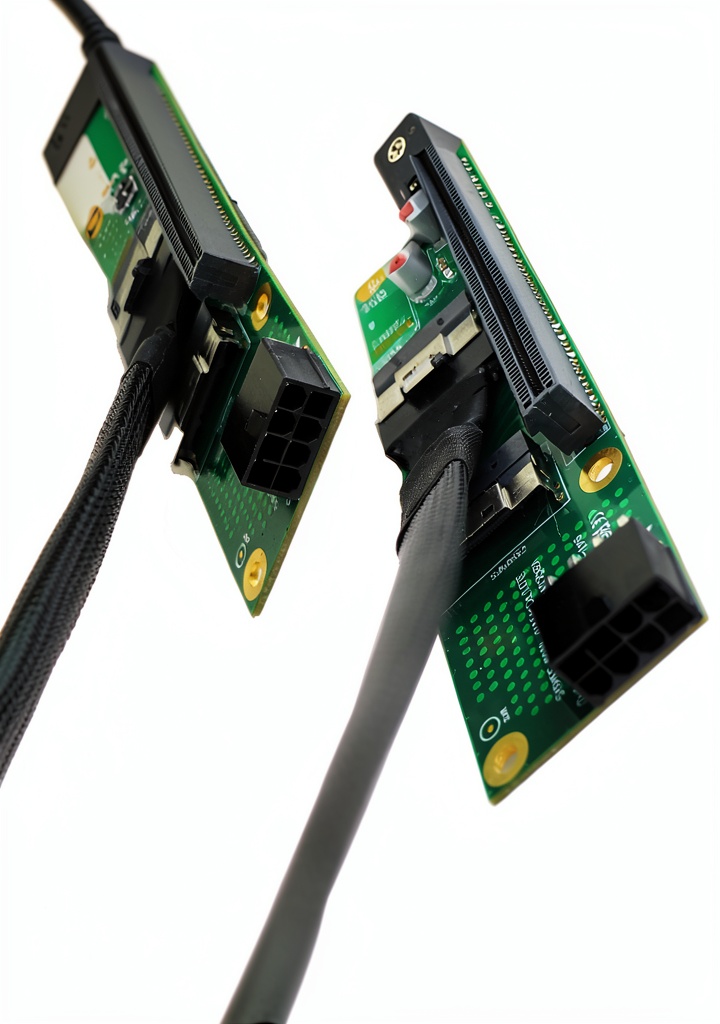
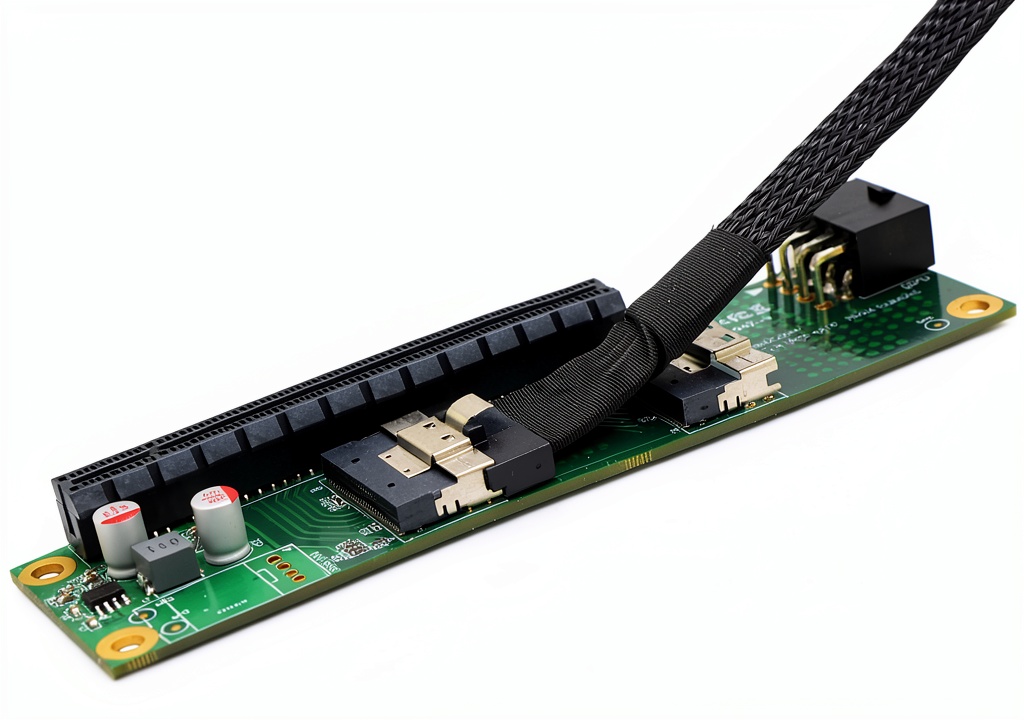
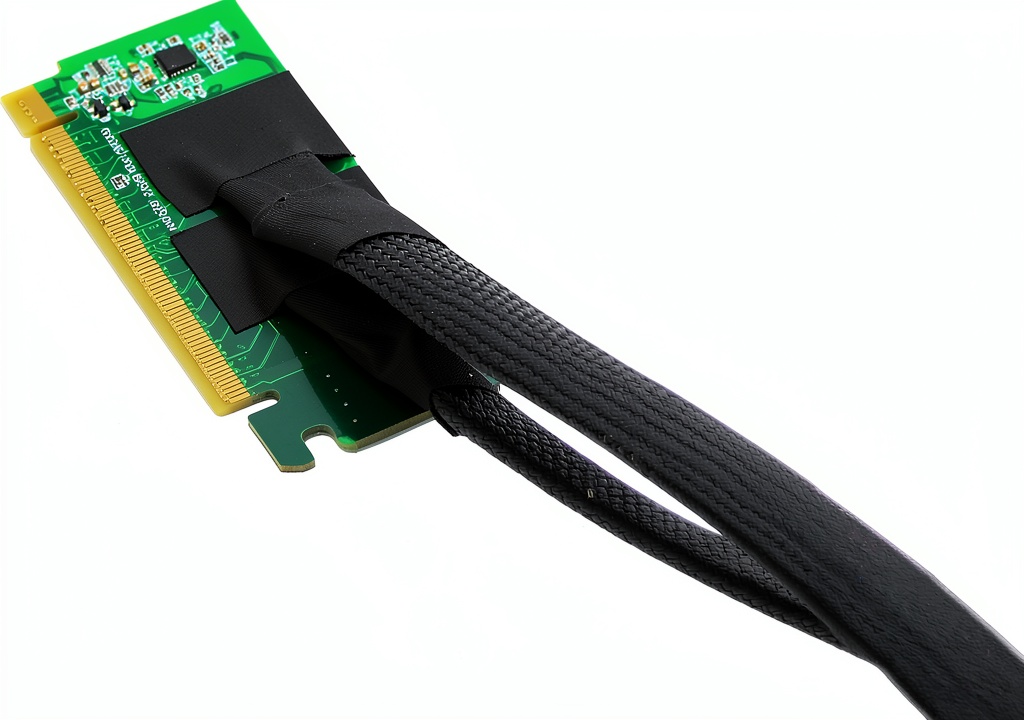
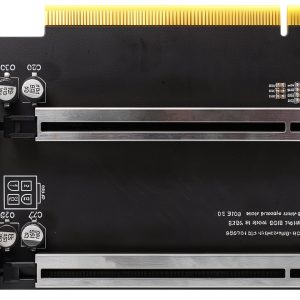
The Sintech PCIe 16X to Dual PCIe 8X Card is engineered to transform a single high‑speed PCIe 16X slot into two fully functional PCIe 8X (or 16X) slots, giving users the freedom to install additional graphics cards, high‑performance storage adapters, or other expansion devices without the need for extra motherboard slots. Built on a robust 4‑layer printed circuit board, the card features enhanced copper thickness and gold‑plated contacts that reduce signal loss, improve impedance matching, and protect against electromagnetic interference. This design ensures that even the most demanding workloads—such as 3D rendering, AI inference, or high‑throughput data acquisition—receive a clean, stable connection. The card complies with PCIe 4.0 and 3.0 specifications, delivering backward compatibility while taking advantage of the latest bandwidth improvements. Its compact form factor fits comfortably within standard server chassis and workstation cases, and the included mounting brackets simplify installation. 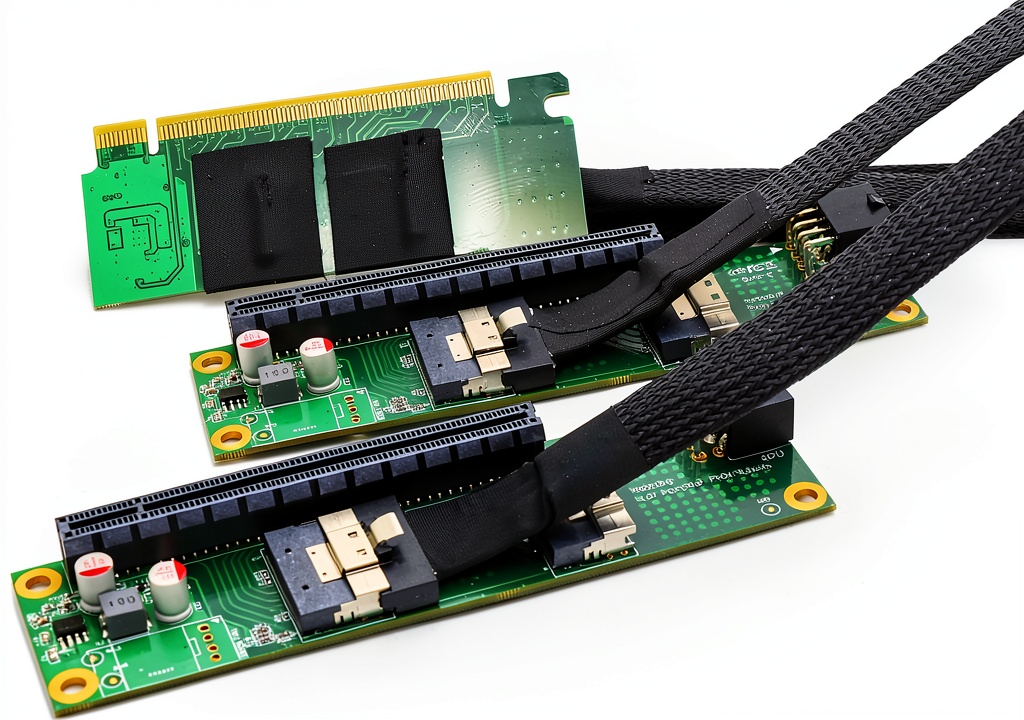
Usage
Ideal for professionals who need to maximize the expansion potential of a single PCIe slot, this card shines in environments where space is at a premium. Data‑center servers that support PCIe x16 bifurcation can use the Sintech card to host two independent GPUs for parallel processing tasks, such as deep‑learning model training or scientific simulations. Workstation users building a multi‑GPU rig for video editing, CAD, or virtual reality development will appreciate the ability to add a second GPU without upgrading the entire motherboard. The card also serves as a versatile platform for high‑speed NVMe RAID controllers, network interface cards, or FPGA modules, making it a valuable asset for developers testing custom hardware configurations. Installation requires a motherboard that can split a PCIe 16X lane into two x8 lanes via BIOS settings; once configured, the operating system will recognize each downstream slot as a separate device, allowing seamless driver installation and management.
Why Choose Us
Sintech brings over a decade of experience in high‑frequency PCB design and server‑grade components, and this card reflects that expertise. The 4‑layer board architecture is optimized for low‑loss signal paths, while the increased gold thickness (5 µin) on the contact pads ensures long‑term reliability even under heavy thermal cycling. Each unit undergoes rigorous testing, including signal integrity analysis, thermal profiling, and mechanical stress validation, to guarantee that it meets the strict standards of enterprise‑level hardware. In addition to the superior build quality, Sintech offers comprehensive technical support: a dedicated engineering team is available to assist with BIOS configuration, driver troubleshooting, and performance tuning. Customers also benefit from a 12‑month warranty and a responsive after‑sales service that includes replacement parts and firmware updates when needed. Choosing Sintech means investing in a product that combines cutting‑edge engineering with dependable service, reducing downtime and protecting your investment in critical infrastructure.
Key Features
- Convert one PCIe 16X slot into two independent PCIe 8X/16X slots for maximum expansion flexibility.
- 4‑layer PCB with enhanced gold plating delivers superior signal integrity and reduced latency.
- Broad compatibility with servers and workstations that support PCIe x16 bifurcation, including X299, X399, and many enterprise boards.
- Robust construction designed for high‑temperature environments and long‑term reliability.
- Dedicated Sintech technical support and a 12‑month warranty ensure peace of mind and quick issue resolution.
FAQ
Do I need a specific BIOS setting to use this card?
Yes. The motherboard must be configured to split the PCIe 16X lane into two x8 lanes, often labeled as “PCIe x8x8” or “Bifurcation” in the BIOS. Consult your motherboard manual for the exact steps, and Sintech’s support team can guide you through the process if needed.
Can this card support hardware RAID configurations?
The card itself does not provide hardware RAID functionality. However, you can create software RAID arrays in Windows 10 or use third‑party RAID software to combine multiple storage devices attached to the downstream slots.
Is the card compatible with PCIe 3.0 motherboards?
Absolutely. The card is backward compatible with PCIe 3.0 specifications, so it will operate at the lower speed of the host slot while still providing the same dual‑slot capability.
What is the maximum power draw for devices installed in the downstream slots?
The upstream PCIe 16X slot supplies up to 75 W according to the PCIe specification. The downstream slots share this power budget, so it is recommended to use devices that together stay within the total limit, or provide auxiliary power if the device requires more.
How do I update the firmware on this card?
Sintech periodically releases firmware updates to improve compatibility and performance. Firmware can be downloaded from the Sintech support portal, and the update process is performed via a standard Windows utility that guides you through the steps safely.
}

Reviews
There are no reviews yet.